Rust plugin configurator
Your JSON.Finally readable.
Import, understand, validate, export. For PimpMyRust plugins and supported third-party plugins.
Free export · account needed for paid plugins
In the workshop
Stay in control of your settings.
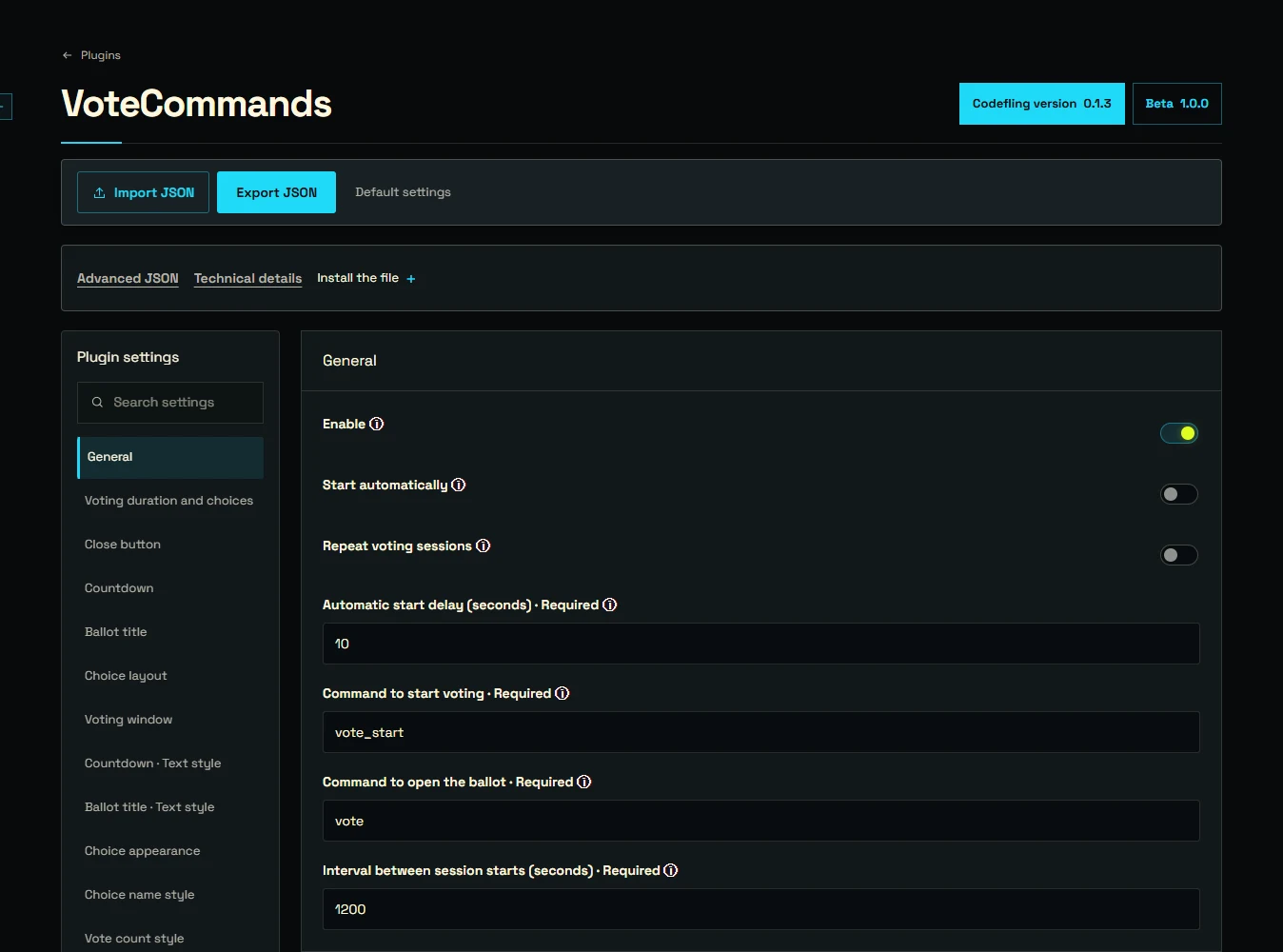
VoteCommands · Codefling 0.1.3
Start with your file
Import your existing JSON or start from the selected version’s default configuration.
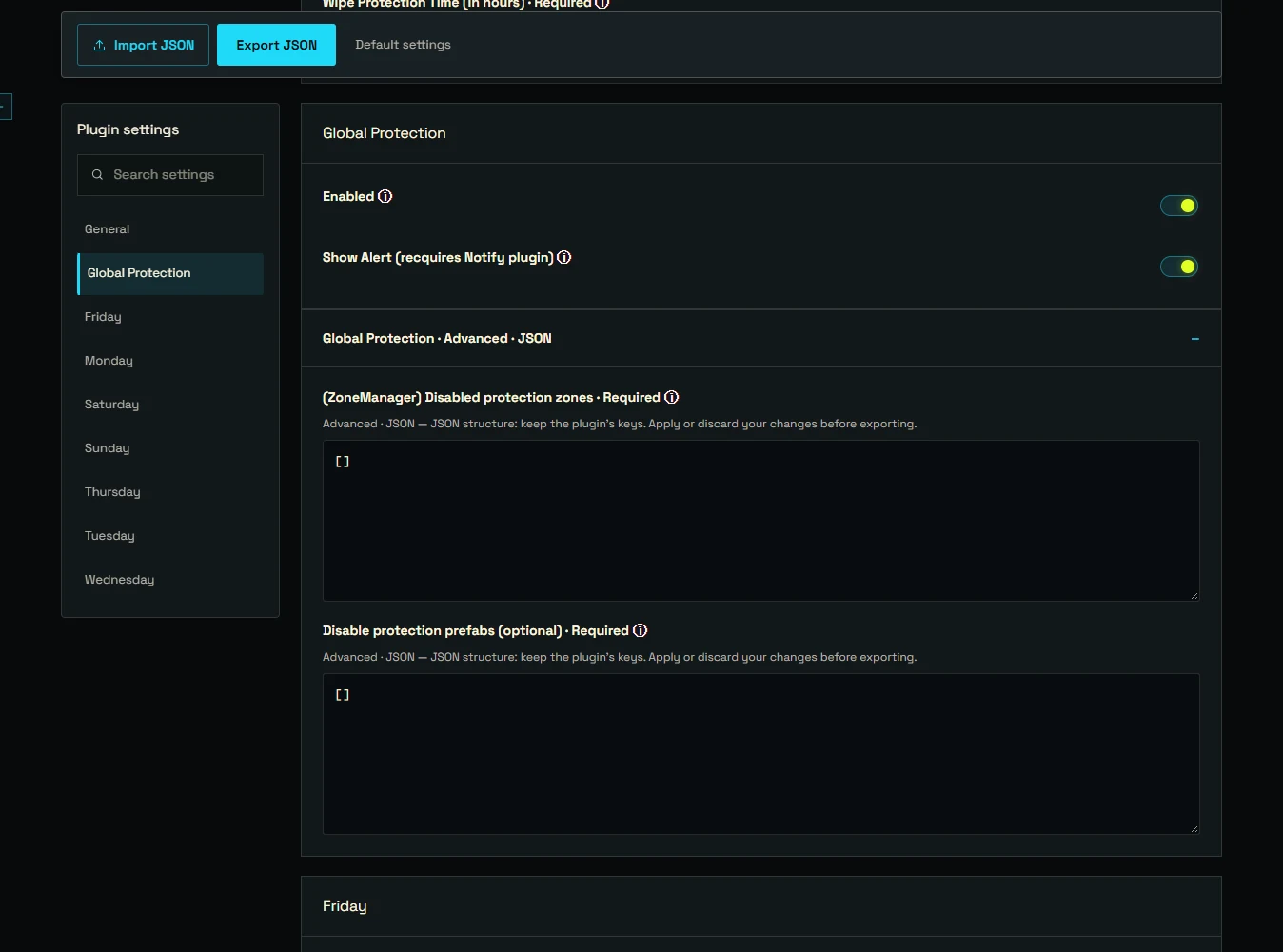
Raid Time Protection · Codefling 2.0.0
Know what you’re changing
Sections, search and help where provided by the plugin. Advanced structures remain editable as JSON.
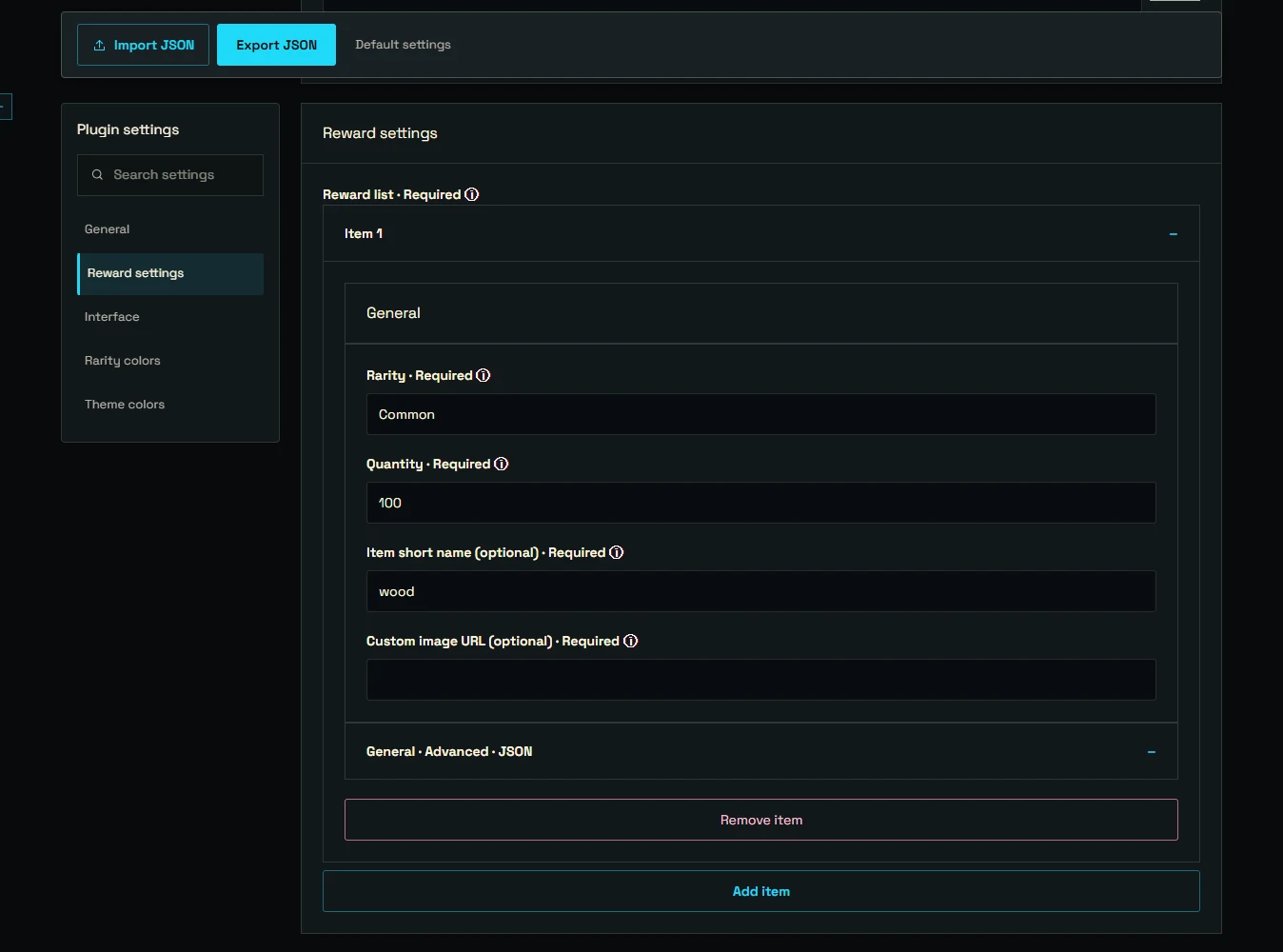
Custom Rewards · Codefling 2.0.4
Fix issues before export
The schema checks structure and expected values. Fix errors before exporting your file.
Keys and values to sift through by hand.
Organized settings and a checked file.
Your file. Three steps.
Choose and import
Select a supported plugin and version, then import your JSON.
Adjust and validate
Change the settings you need and correct reported errors.
Export and test
Export your file and test it on your server. The Hub does not install it.
Good to know.
Which plugins can I configure?
PimpMyRust plugins and explicitly supported third-party plugins, not every Rust plugin. Free and third-party plugins are open to guests; a PimpMyRust account is enough to configure paid plugins. Purchases remain on Codefling.
Is my file saved or installed automatically?
No. There is no cloud save, synchronization or automatic installation. Keep your export. Validation checks the selected version’s schema, not the plugin’s in-game behavior.