Configure a plugin or build a CUI on PimpMyRust
Two ways to prepare your server files: edit a plugin’s settings or create an interactive Rust interface, then export your work.
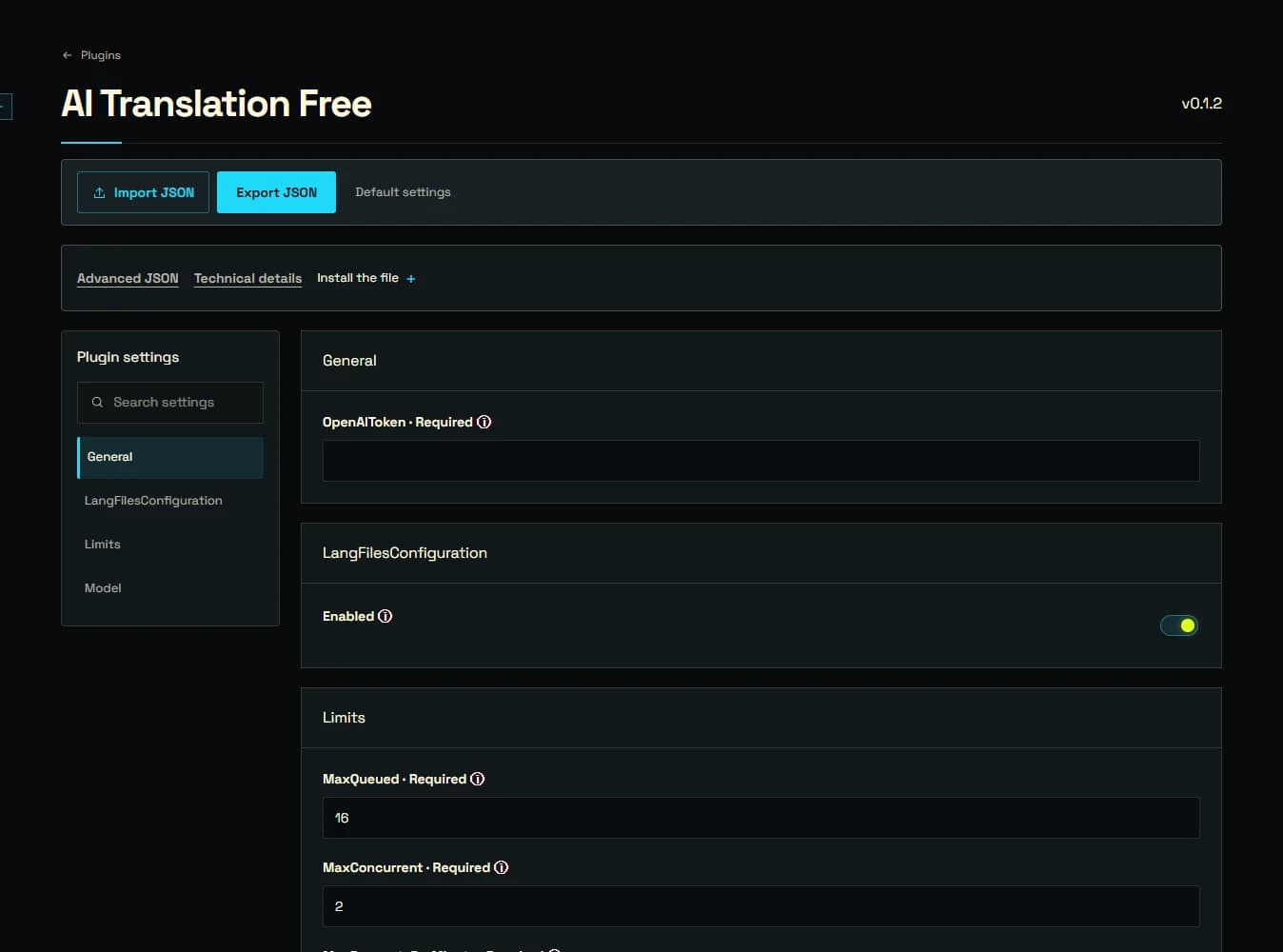
To change a plugin’s settings, choose its configurator and the version installed on your server. Import your existing JSON, adjust the fields using their explanations, then export the updated file. For example, Vanish’s form lets you change its invisibility feedback without searching through the JSON by hand.
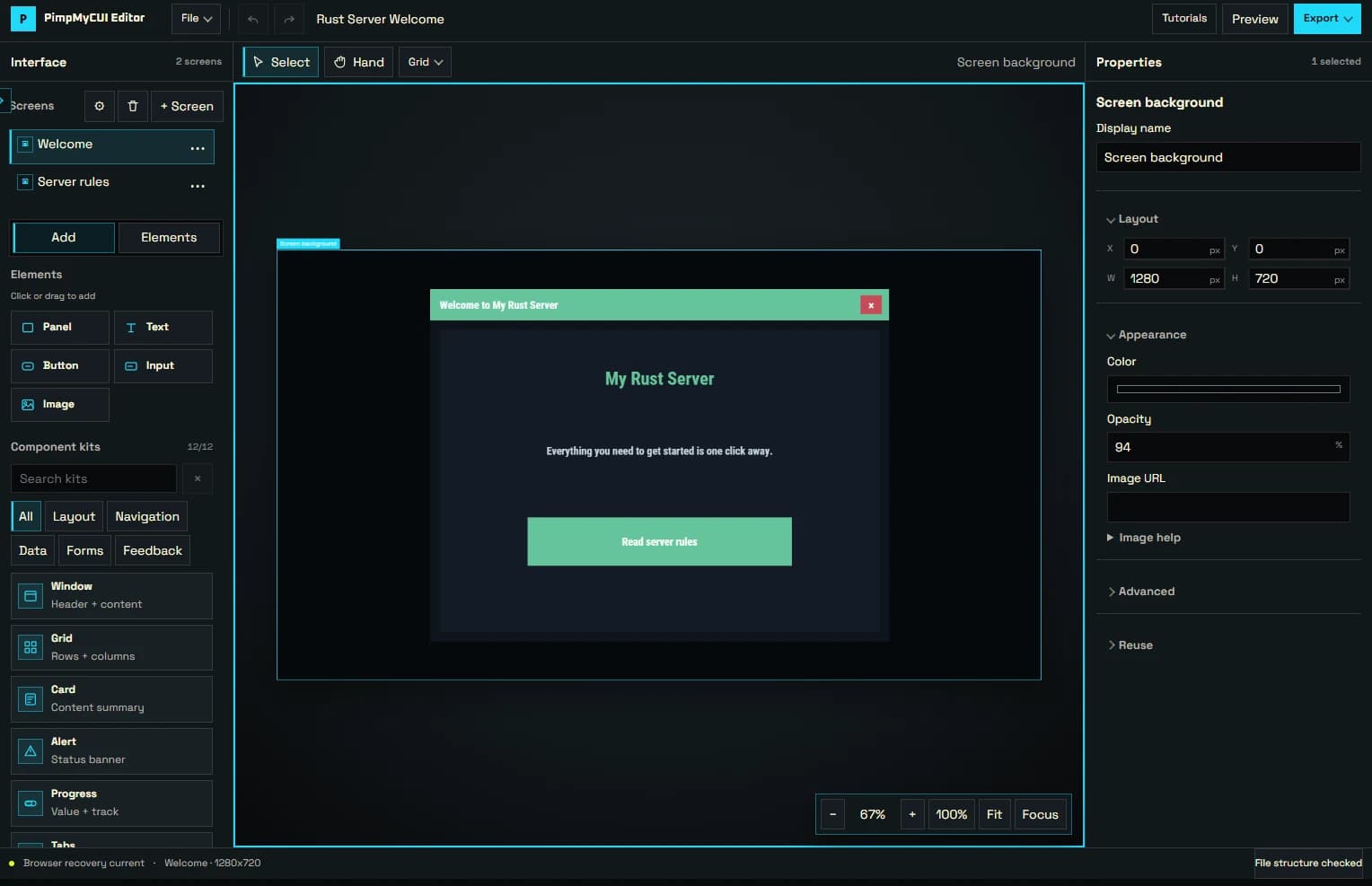
To create a CUI, open PimpMyCUI Editor. Start from a template or a blank screen, add text, images and buttons, then connect screens and test the buttons in Preview. Export the project to continue editing later, or the PimpMyCUI package for your server runtime. The editor guide explains which file to use.
Keep your exports: there is no cloud saving. Install the finished files on your server yourself and keep a copy of the originals. The configurator and editor links below take you straight to the tools; the FAQ explains accounts, plugin versions and paid access.