// Interface
PimpMyCUI
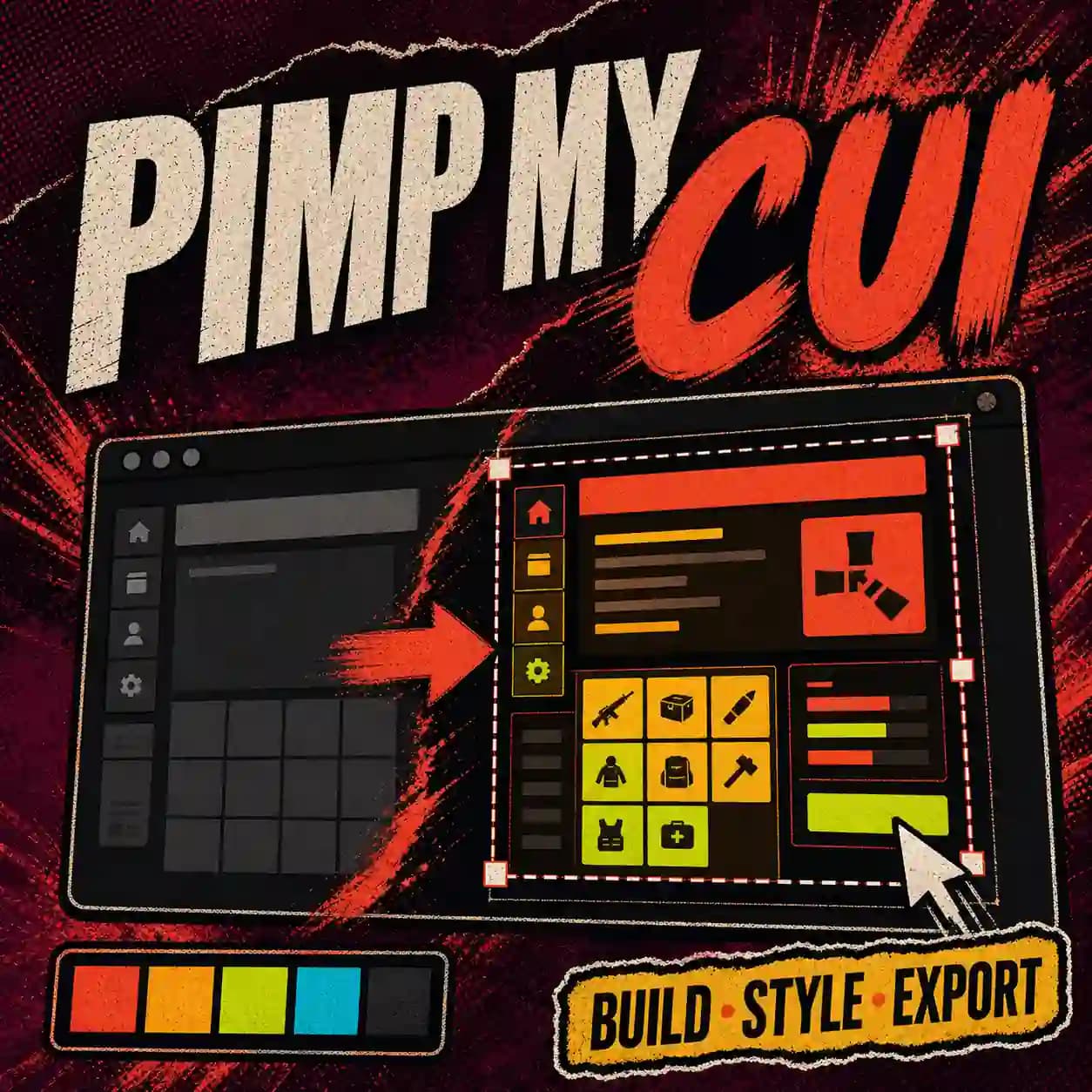
Display interactive interfaces made with PimpMyCUI Editor on your Rust server.
Build the CUI in the editor; export runtime settings from the configurator. The plugin will be a separate download on Codefling.
// PRODUCT
What the plugin does
Build an interface in the free web Editor, choose the chat commands and permissions that open its screens, then export its installable package. One PimpMyCUI.cs plugin handles display and interactions on your Rust server. The free 1.0.0 beta is being prepared for Codefling; the Editor and plugin configurator are available here without an account.
- 01Open an interface by chat command, with permission or group access
- 02Control access and permitted actions on the server
- 03Install one PimpMyCUI.cs file
- 04Load packages exported by the Editor
ON PIMPMYRUST
Build the interface, configure the plugin
The editor creates your screens and their opening commands. The configurator controls disabled packages and the runtime’s server-command approvals.
Keep the exported file: the site does not save your work.
Screenshots
// BEFORE YOU START
Requirements and dependencies.
- A Rust server running Oxide or Carbon
- A package exported by the PimpMyCUI Editor
- Install the free PimpMyCUI.cs beta from Codefling once published
// IMPORTANT BOUNDARIES
Before you install
- The web Editor can be used without installing the server plugin.
- PimpMyCUI is not published yet. Its download will be linked after its Codefling release; this site does not distribute the server plugin.
- Beta: test on a Rust server before public use. Editor previews are not an in-game test.